Your first agent
The starter spec is the smallest agent that does something real. This page reads it top to bottom, so every later step has a shape to hang new ideas on.
Here it is again, in full:
# yaml-language-server: $schema=../packages/spec/schemas/agent-spec.v1.0.schema.json
version: "1.0"
agent:
  id: hello_agent # stable machine id (snake_case); names the export, shows in run output
  name: "Hello Agent" # human-readable label, shown on the canvas
  role: "Friendly assistant" # role + goal become the system instruction
  goal: "Greet the user warmly and answer one question in a concise, helpful tone."
  model: # which model runs the agent, and the key to reach it
    provider: openrouter
    name: liquid/lfm-2.5-2.6b:free
    api_key: ${OPENROUTER_API_KEY} # never a literal secret; only an ${ENV_VAR} reference
  workflow: # the ordered steps the agent runs; at least one is required
    - step: greet
      action: generate_text
      inputs: [input]
The comments above are the one-line version. The next section walks the same fields in more depth.
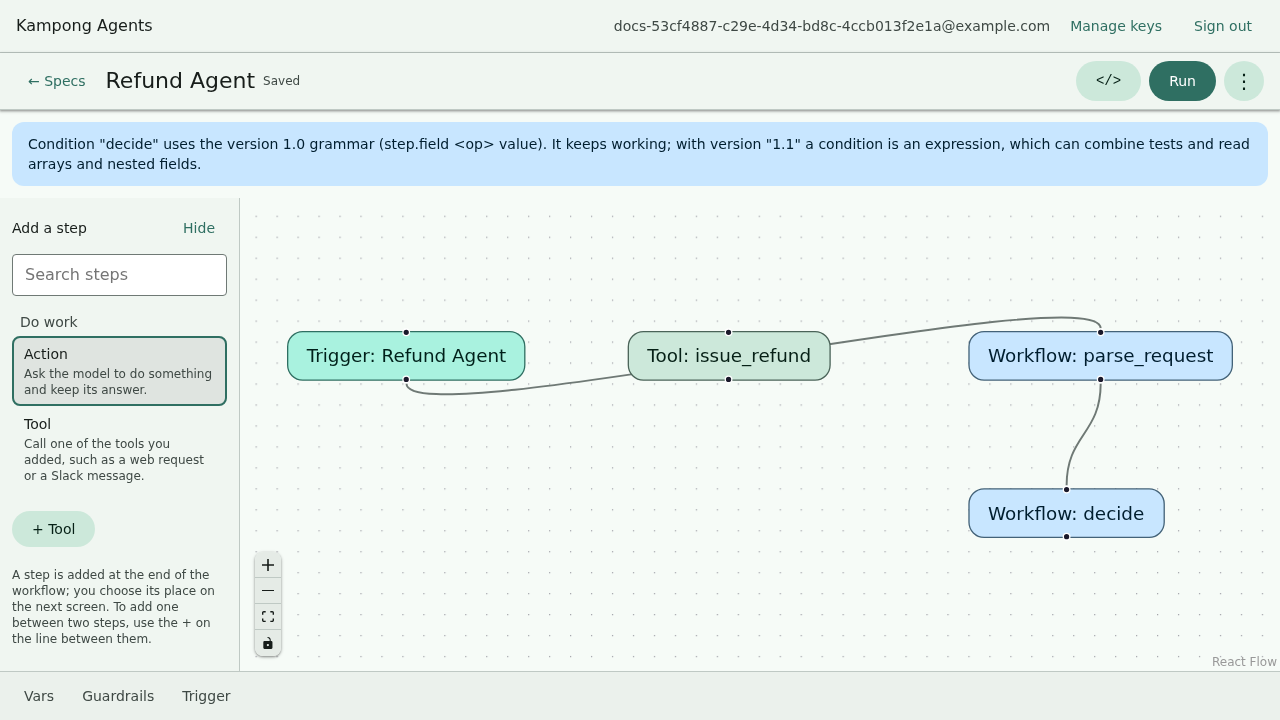
The same spec on the canvas is a trigger node for the agent and one node per workflow step, with the live YAML beside it:
Line by line
The schema comment. The first line is a yaml-language-server pragma. It points your editor
at the published JSON Schema so you get validation and autocomplete while typing, with no plugin
to install, just a schema-aware editor. More on that in
Editing specs in your IDE.
version. The spec format version. It's "1.0" today.
agent.id. A stable machine identifier, snake_case by convention. It names the exported
project and shows up in run output. Give each agent a distinct one.
agent.name. A human-readable label, shown on the canvas.
agent.role and agent.goal. These two strings become the agent's system instruction. The
role is who the agent is, the goal is what it's trying to do. Both are required, and they're
the single biggest lever on how the agent behaves, so write them as if briefing a new teammate.
agent.model. Which model runs the agent, and the key to reach it. The next page,
Choosing a model, covers providers and offline options. For now: OpenRouter with a
free model, and a key pulled from ${OPENROUTER_API_KEY}.
agent.workflow. The ordered list of steps the agent runs. This one has a single step named
greet that generates text from the run's input. Every spec needs at least one workflow step,
since it's what the agent actually does.
Run it two ways
On the command line, headless:
Or on the canvas: open it, press Run, and type the same input:
The run is identical either way. The canvas gives you a step-by-step trace as blocks light up, and the CLI streams the same steps as text and prints the final output.
Make one change
Sharpen the goal and watch the behavior shift. Change the goal to:
Save, run again, and compare. If you edit it on the canvas, open the file and the YAML changed. If you edit the YAML, the canvas re-renders. There's no sync step because there's nothing to sync. It's one file.
Where each piece is explained
You now have the whole shape. The rest of the tutorial adds one capability at a time:
| You want to… | Go to |
|---|---|
| Use a different model, or run offline | Choosing a model |
| Call an HTTP API from the agent | Adding tools |
| Add more steps, or branch on a condition | Workflows and conditions |
| Require human approval, or gate on confidence | Guardrails and approvals |
| Run with no network at all | Running offline |
| Ship it as standalone code | Ejecting to TypeScript |
Recap
- An agent is one
AgentSpecfile:version, anagentwithid/name/role/goal, amodel, and aworkflowof at least one step. roleandgoalare the system instruction and the biggest lever on behavior.- The canvas and the YAML are the same file, so an edit on one side shows up on the other with no sync step.
- You ran it headless with
kampong runand on the canvas withkampong dev, and got the same result both ways.
Next: point the agent at a different model, or run it fully offline, in Choosing a model.